CLI · Python
l8nc
Multi-target continuous ping monitor — see where your internet is breaking.
When the call gets choppy, the question is never whether the network is bad — it's where. l8nc auto-discovers your gateway, your ISP's first hop, and public DNS, pings them all in parallel, and overlays everything on a single live braille chart in your terminal. If the gateway is flat but the ISP hop is spiking, you have your answer in seconds.
Install
Requires Python 3.8+. Also available via
pipx install l8nc or brew install cpierce/tap/l8nc.
Usage
# Auto-detect gateway, ISP hop, and public DNS
$ l8nc

# Add custom targets to the defaults
$ l8nc 10.0.0.1 example.com

# Only ping specified targets, save CSV logs, replay later
$ l8nc --only 10.0.0.1 example.com
$ l8nc -l logs/
$ l8nc --replay logs/
Timeouts render as [NO REPLY] instead of 0 ms spikes, so the chart
stays honest.
Screenshots
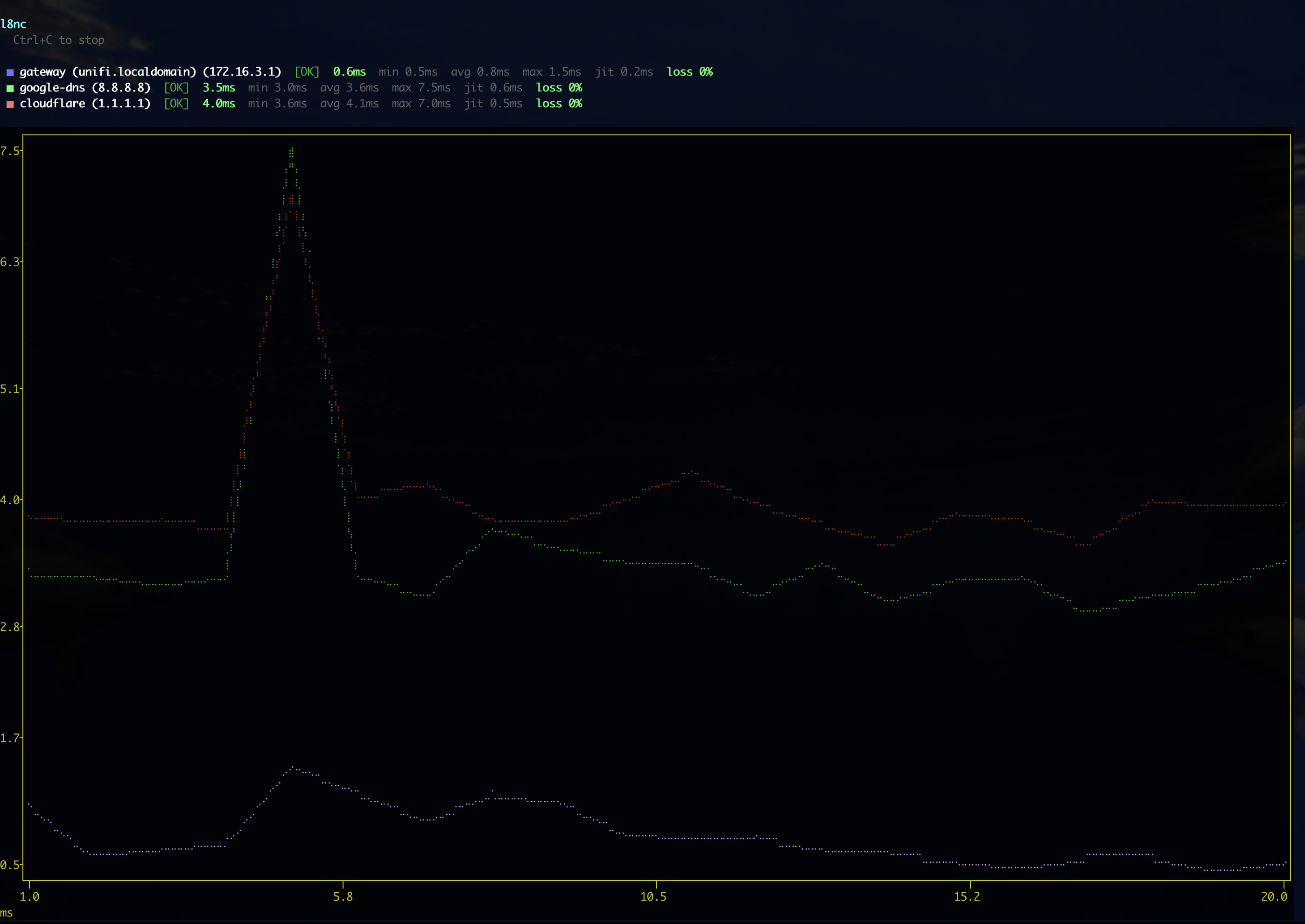
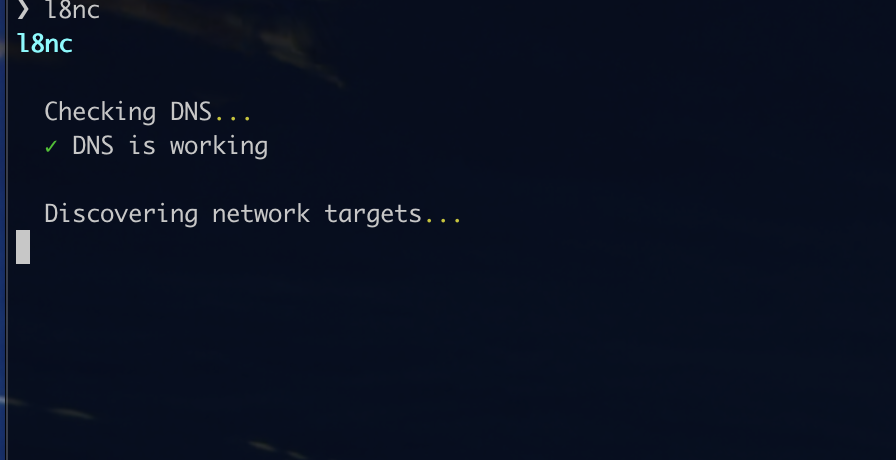
What it does
Gateway
Finds your local router automatically — no flags, no config.
ISP hop
Traces the first hop outside your network, so you can tell your problem from your provider's.
Public DNS
Pings Google (8.8.8.8) and Cloudflare (1.1.1.1) for an end-to-end baseline.
Live braille chart
All targets overlaid on one chart that updates in place, right in your terminal.
CSV logs
Save per-target logs with -l — evidence for the support call.
Replay
Re-render a chart from saved logs with --replay after the outage is over.
Options
| Flag | Description |
|---|---|
-i, --interval |
Ping interval in seconds (default: 1) |
-c, --count |
Number of pings, then stop (default: infinite) |
-o, --only |
Only ping specified targets, skip auto-detection |
-l, --log |
Save per-target CSVs to a directory |
-r, --replay |
Replay a chart from a log directory |
-h, --help |
Show help |